
Most played
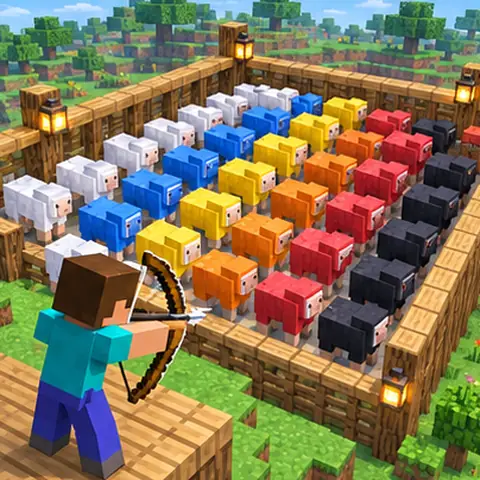
Sheep Out
Viewers fill an arena with coloured sheep and you shoot them out. Colour is level, from white to black. Empty the arena to win; let it fill up and you lose.
For TikTok Live streamers
GiftRig turns TikTok Live gifts, likes and follows into things that happen in your Minecraft world, the moment they arrive. A rose sends a sheep. A doughnut drops TNT. Your chat decides how the round ends.
 Wins 3 / 5
LIVERight now
Streamers who chose to be listed, live at this moment. Tap one to watch on TikTok.
How it works
GiftRig listens to your TikTok Live and runs a Minecraft server for you. Everything in between is point and click.
One button downloads and starts a Minecraft server with the GiftRig games already on it. Join it from your own game.
Each game comes with ready-made events. GiftRig picks a real TikTok gift for every price, so there is nothing to type.
 Rose →
 Blue sheep
Start your TikTok Live, press Connect, and add the event board to your stream so viewers see what each gift does.
Games
Every game shows who sent what, counts your wins and losses by itself, and puts the ground back when you are done.
Viewers fill an arena with coloured sheep and you shoot them out. Colour is level, from white to black. Empty the arena to win; let it fill up and you lose.
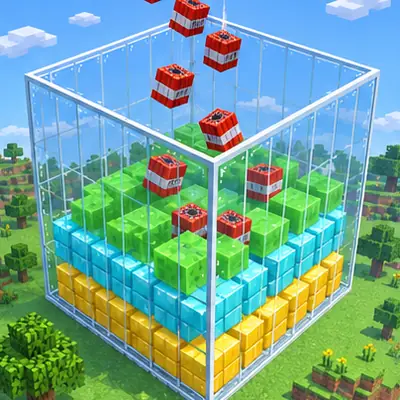
Fill a walled box to the top while viewers drop TNT into it.
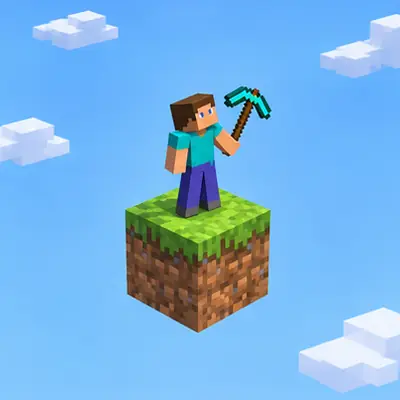
One block in the void that keeps coming back. Mine through six phases, then beat the boss.
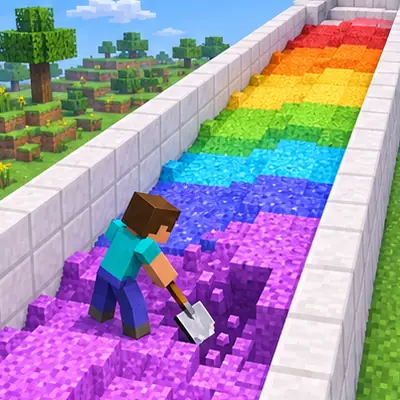
Dig a corridor of rainbow sand clear while viewers pile more in.
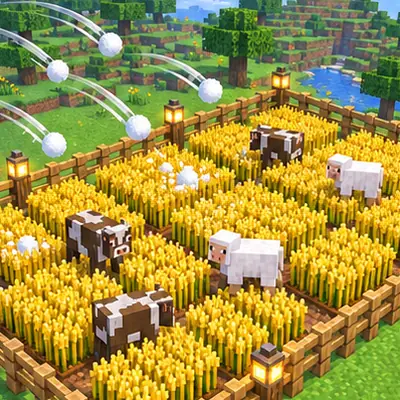
Grow every plot at once. Viewers send animals, storms and the odd dragon.

Climb a random tower and hold the top while chat shoves, slows and drops you.
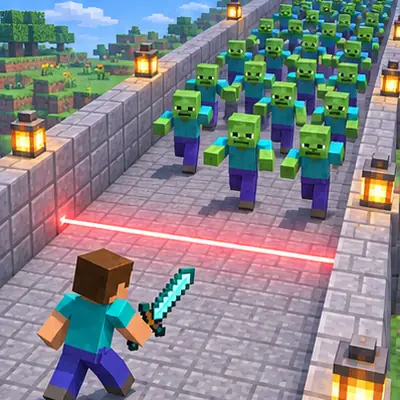
Mobs charge your red line. Stop them with a sword before your lives run out.
Features
The event board shows viewers what each gift does and flashes when it fires. A phone-size layout keeps it readable on a small screen. Paste one link into OBS or TikTok Live Studio and it updates as you edit.
GiftRig installs, starts and stops the server. Play with friends on your network, or share it over the internet with no port forwarding. A friends list decides who gets in.
A natural voice reads your chat. Give every viewer their own voice so regulars become recognisable.
Games report wins and losses on their own. Let big gifts add or take a win and watch chat fight over it.
Send pretend gifts, likes and follows, or run a simulated audience, and see every event fire before your stream starts.
Pictures, video and sound on any event, with a sound library to browse and your own files on top.
Any Minecraft command can be an event. Add delays, repeats, cooldowns and who is allowed to trigger it.
Switch the app's language in your profile. A help page covers every command and common question.
Yours
GiftRig is a program on your computer, not a website you log in to. Your settings, your world and your stream stay with you.
Questions
A Windows 10 or 11 PC, Minecraft Java Edition, and a TikTok account that can go live. The built-in server needs Java 21, which GiftRig tells you how to get if it is missing.
The beta is free. Paid plans with extra games are planned for later; what is free in the beta stays usable.
No. GiftRig can send pretend gifts, likes and follows, so you can set everything up and watch it work first.
Yes. Every overlay is a link you add as a Browser source. Keep GiftRig open while you stream.
Yes. Open the server to your network, or share it over the internet without touching your router. You choose who is allowed in.
During the beta the installer is not yet signed, so Windows shows an "unknown publisher" notice. Choose "More info", then "Run anyway".
Beta 0.4
Download GiftRig, start the server, pick a game. Your next stream is the first one your viewers play.
Download for WindowsWindows 10 or 11, 64-bit, about 180 MB. The built-in Minecraft server needs Java 21. Beta software: expect rough edges and tell us what breaks.